Ever spent hours crafting a prompt only to get back a surreal mess of floating hands and melting clocks? You’re not alone. As AI generated art tools flood the market, creators face a paradox: limitless creativity paired with frustrating unpredictability. This guide cuts through the noise with real-world strategies, grounded in hard-won lessons (yes, including that time I accidentally generated an NSFW image during a client Zoom call—more on that later). We’ll explore what these tools really do, how to use them effectively, and where most beginners go wrong.
Table of Contents
- Why AI Art Tools Matter in Today’s Creative Landscape
- Step-by-Step Guide to Using AI Image Generators Responsibly
- Best Practices for High-Quality Outputs
- Real-World Examples That Prove the Potential
- Frequently Asked Questions
Key Takeaways
- Not all ai generated art tools are equal—some prioritize speed, others realism or style fidelity.
- Crafting precise prompts is more critical than choosing the “best” tool.
- Ethical and copyright considerations remain unresolved; always verify usage rights.
- Free tiers often impose heavy limitations; paid plans unlock resolution, editing, and batch features.
Why AI Art Tools Matter in Today’s Creative Landscape
The rise of artificial intelligence in visual creation isn’t just a trend—it’s reshaping design workflows across marketing, gaming, publishing, and indie art. According to a 2023 report by McKinsey, over 60% of creative professionals have experimented with generative AI, citing faster iteration and concept visualization as top benefits.
But with accessibility comes chaos. Anyone can type “cyberpunk cat” and get something vaguely feline, but achieving consistent, on-brand, publication-ready assets requires understanding the mechanics beneath the interface. And yes—I learned this the painful way when I used MidJourney without specifying negative prompts, resulting in an embarrassingly inappropriate image shared live with a conservative brand client. Lesson one: always preview before presenting!
Step-by-Step Guide to Using AI Image Generators Responsibly
1. Define Your Goal Clearly
Are you creating a book cover, ad banner, or mood board? Your objective dictates tool choice and prompt structure. Don’t start with “make something cool”—start with dimensions, style references, and emotional tone.
2. Choose the Right Tool for Your Need
DALL·E 3 excels at photorealism and text integration. Stable Diffusion offers open-source flexibility but demands technical setup. Adobe Firefly integrates seamlessly with Creative Cloud and respects Adobe Stock licensing. Evaluate based on output control, editing features, and commercial rights.
3. Master Prompt Engineering
Avoid vague terms like “beautiful” or “artistic.” Instead, use concrete descriptors: “cinematic lighting, 35mm film grain, symmetrical composition, muted teal and gold palette.” Include negative prompts (“no blur, no extra limbs, no watermark”) to reduce errors.
4. Review Licensing & Ethical Boundaries
Many ai generated art tools train on copyrighted data without artist consent—a major point of legal contention. Always check each platform’s policy. For commercial safety, stick to tools like Adobe Firefly that guarantee indemnification. Learn more about data ethics via Wikipedia’s overview on AI art.
Best Practices for High-Quality Outputs
- Iterate deliberately: Generate 4–8 variations per prompt, then refine the best one with added details.
- Upscale wisely: Use built-in upscalers or external tools like Topaz Gigapixel—but don’t expect miracles from blurry base images.
- Avoid the “prompt stuffing” trap: Jamming 50 keywords into one line confuses models. Be concise and structured.
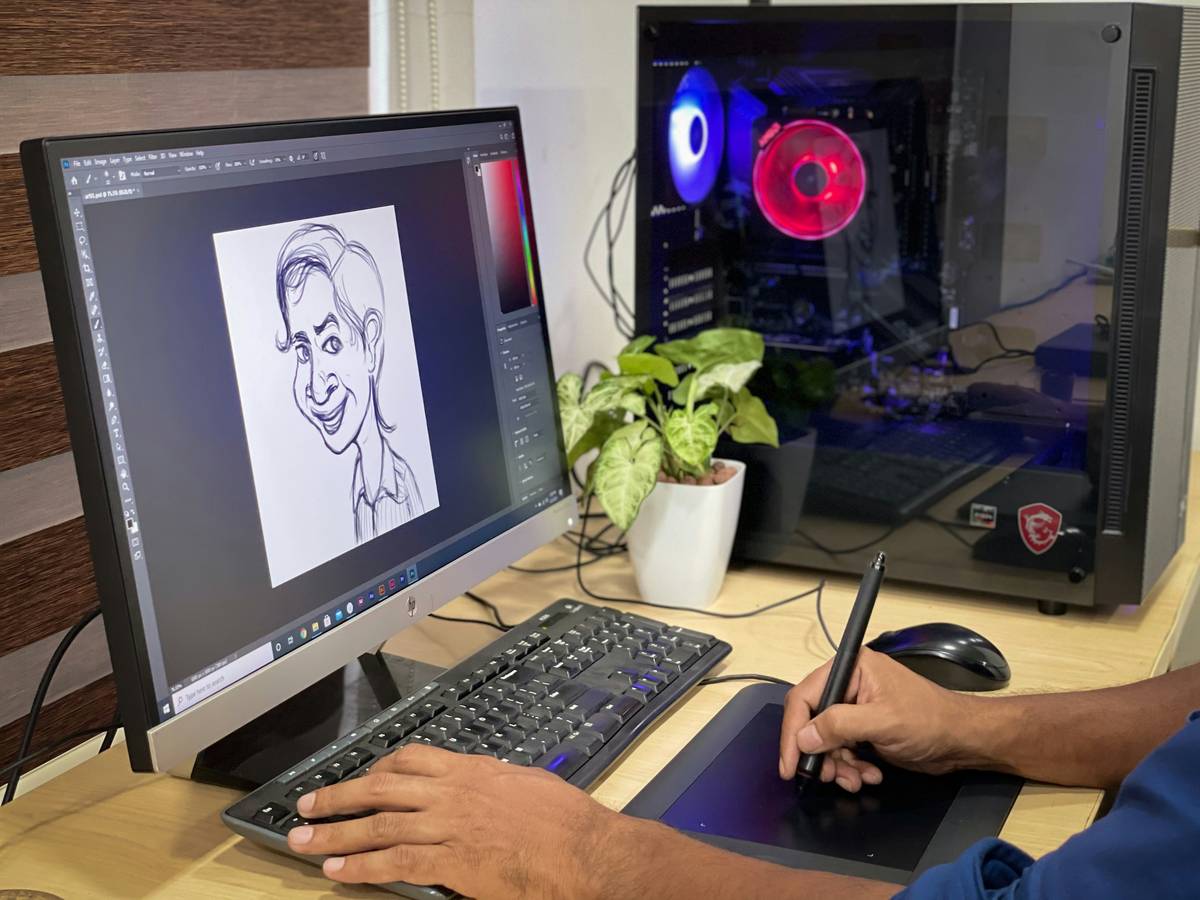
- Never skip human editing: Even the best AI output often needs color correction or compositional tweaks in Photoshop.
Real-World Examples That Prove the Potential
A small indie game studio used Leonardo.Ai to generate 200+ environment concepts in under a week—cutting their pre-production timeline by 70%. Another example: a nonprofit created multilingual social media assets using Canva’s AI Image Generator, adapting visuals for regional campaigns without hiring illustrators. These wins weren’t magic; they came from disciplined prompting, version tracking, and post-processing workflows. The key difference between amateur and pro results? Intentionality over automation.
Frequently Asked Questions
Are AI-generated images copyright-free?
Not necessarily. In the U.S., the Copyright Office states that purely AI-generated works lack human authorship and can’t be copyrighted. However, if you significantly modify the output (e.g., composite, paint over), you may claim rights to the new derivative work. Always consult legal guidance for commercial projects.
Can I sell art made with AI tools?
Yes—but only if the platform’s terms allow commercial use. Adobe Firefly and Canva permit it; others restrict free-tier users. Check each tool’s license agreement carefully.
Which ai generated art tools are best for beginners?
Try Bing Image Creator (powered by DALL·E 3) or Canva’s AI generator—they’re free, intuitive, and require no installation. For more control, explore Playground AI.
Do these tools replace human artists?
No. They’re accelerators, not replacements. Skilled artists use them as ideation partners, not crutches. The human touch remains essential for storytelling, consistency, and emotional resonance.
How often should I update my workflow?
Monthly. The space evolves rapidly—new models drop every few weeks. Subscribe to newsletters like The Algorithmic Bridge or follow updates on our About Us page for curated insights.
What about privacy when uploading reference images?
Some tools store or use your uploads for training. If handling sensitive data, stick to platforms with clear data policies—like Adobe Firefly—and always review the Privacy Policy of any service you use.
Ready to turn pixels into purpose? Stop guessing and start creating—with eyes wide open. Got a specific project in mind? Contact us for a tailored AI art strategy session.